

DP To EDP Driver Board EDP Signal Adapter 30pin 40pin 2K 4K 2lan 4lan Computer PC LCD LED Display Screen W PD/QC Protocol CABLE


DP To EDP Driver Board EDP Signal Adapter 30pin 40pin 2K 4K 2lan 4lan Computer PC LCD LED Display Screen W PD/QC Protocol CABLE
30P 40P DP To EDP Driver Board EDP Signal Adapter Board W QC protocol EDP Cable For 30pin 40pin 2lan 4lan Computer PC LCD Display Screen
Attention
Only Support EDP output signals . Please check whether the model is EDP signal output on the Internet screen before purchasing
Attention:
1.If the blue indicator light is working Prove that the driver board is working
2.If the screen does not light up, it proves that the model of the screen is not supported or you can Uninstall the graphics driver. Reinstall it. Then reboot your computer try
3.interface of the screen is EDP, not compatible with Nvidia graphics cards. Most AMD graphics cards support it.
4.Some graphics card drivers need to be updated
5.Not supported (converter head).Not supported (converter head).Not supported (converter head).Not supported (converter head).Not supported (converter head)
Function description:
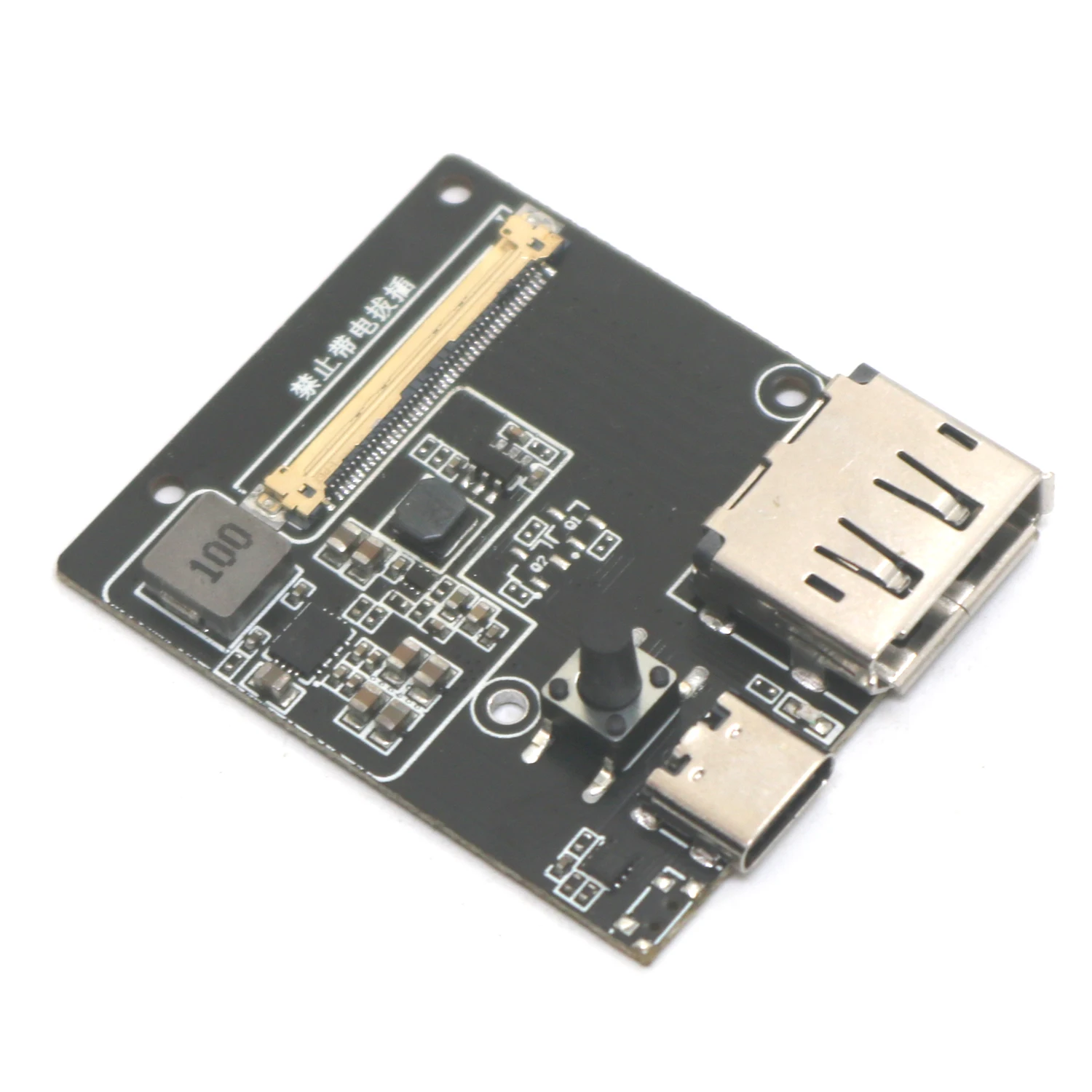
1. The initial state of the product is shutdown. The switch is achieved by short pressing When the power signal is turned on Pressing the switch (<1s) indicates turning on Press again to shut down The initial brightness of the startup backlight is 90%.
2. It is prohibited to plug and unplug EDP cables with electricity. There is a possibility of damaging the screen If you want to unplug the ribbon cable Power must be cut off in order first All ports must be unplugged before the EDP ribbon cable can be unplugged
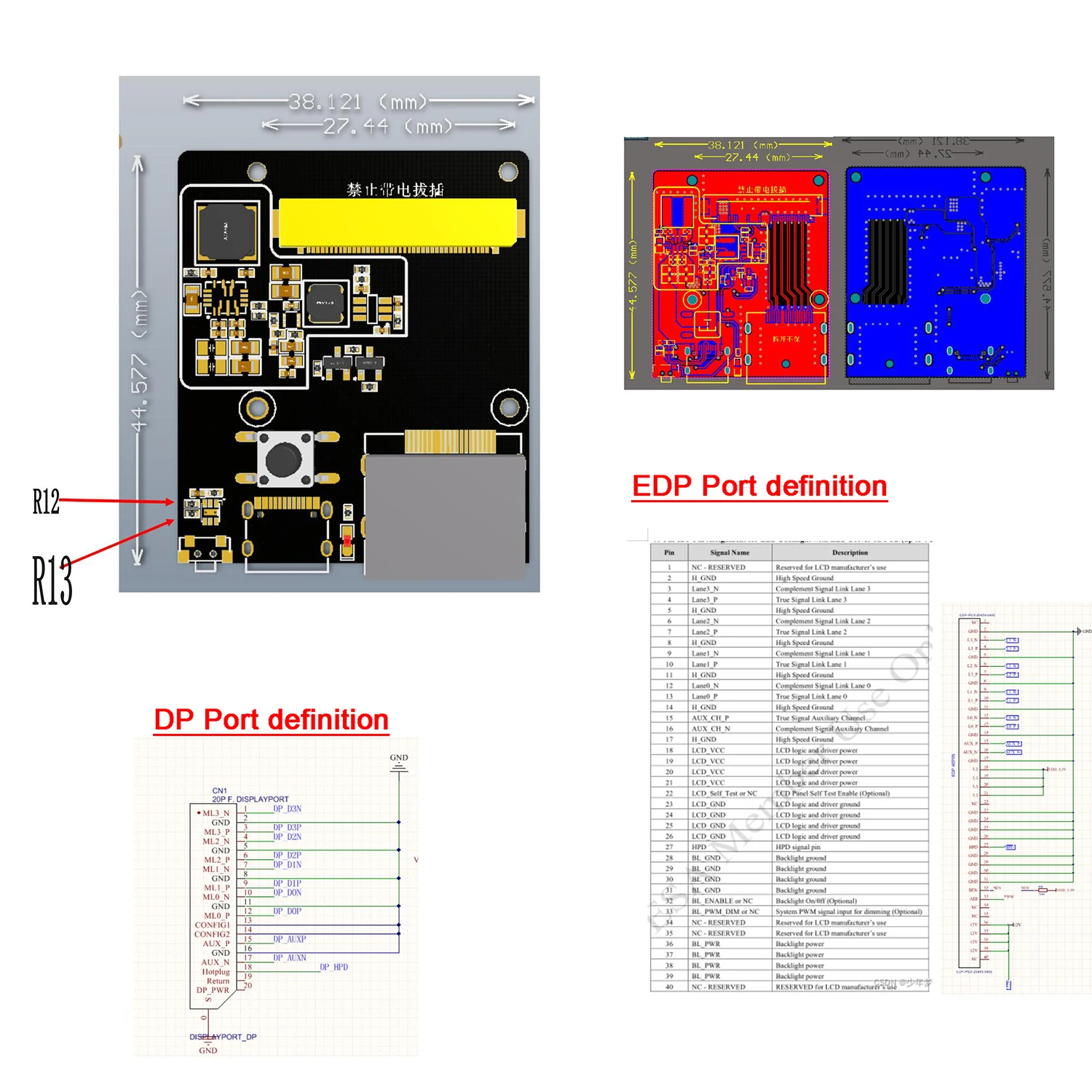
3. EDP40 port.
Secondary performance parameters:
Working voltage 5V-QC/DP, compatible with USB Type-C PD3.0/3.1 (including PPS protocol), automatically recognizing the fast charging protocol features of the charger, supporting 100W QC/DP protocol power charger; The current is 2-5A.
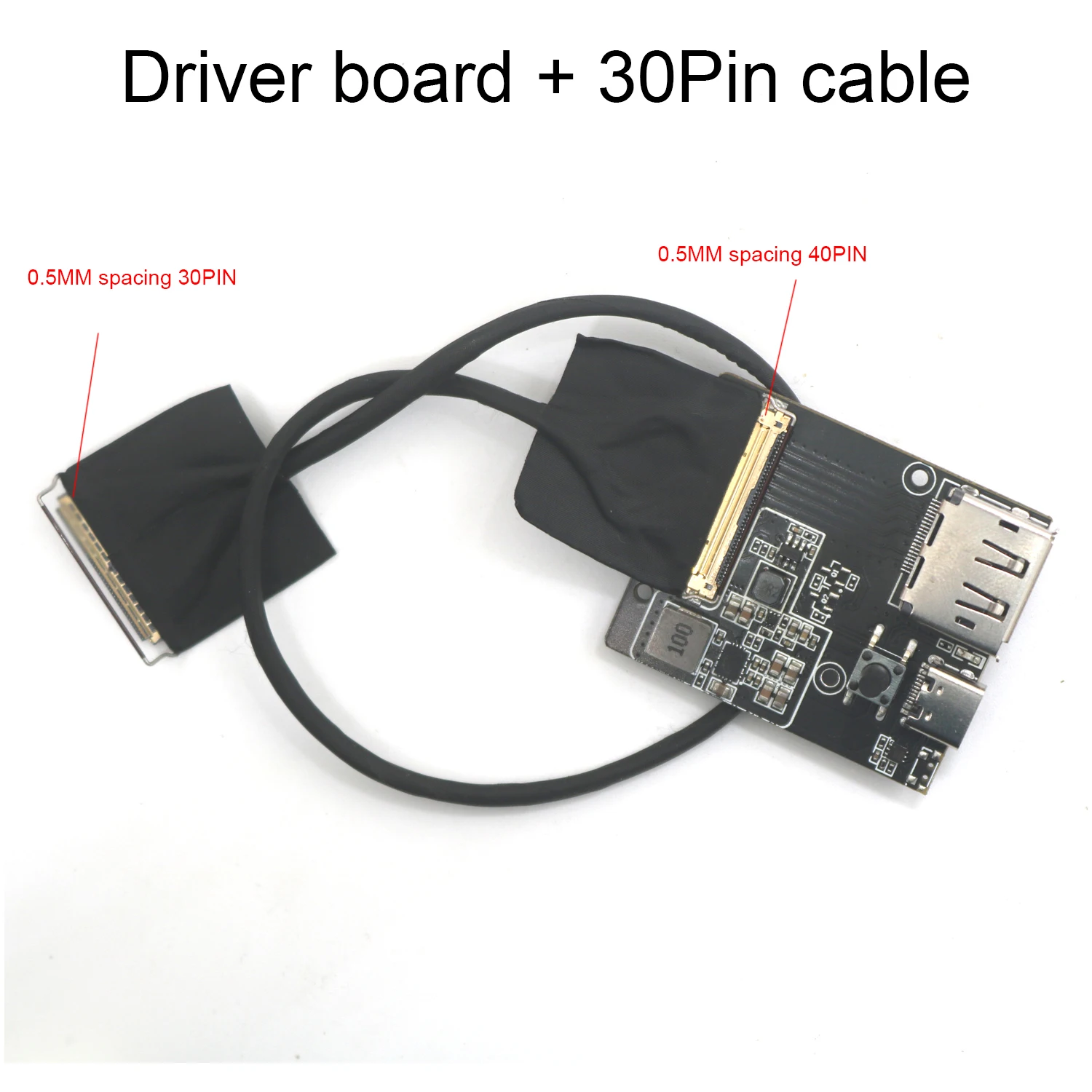
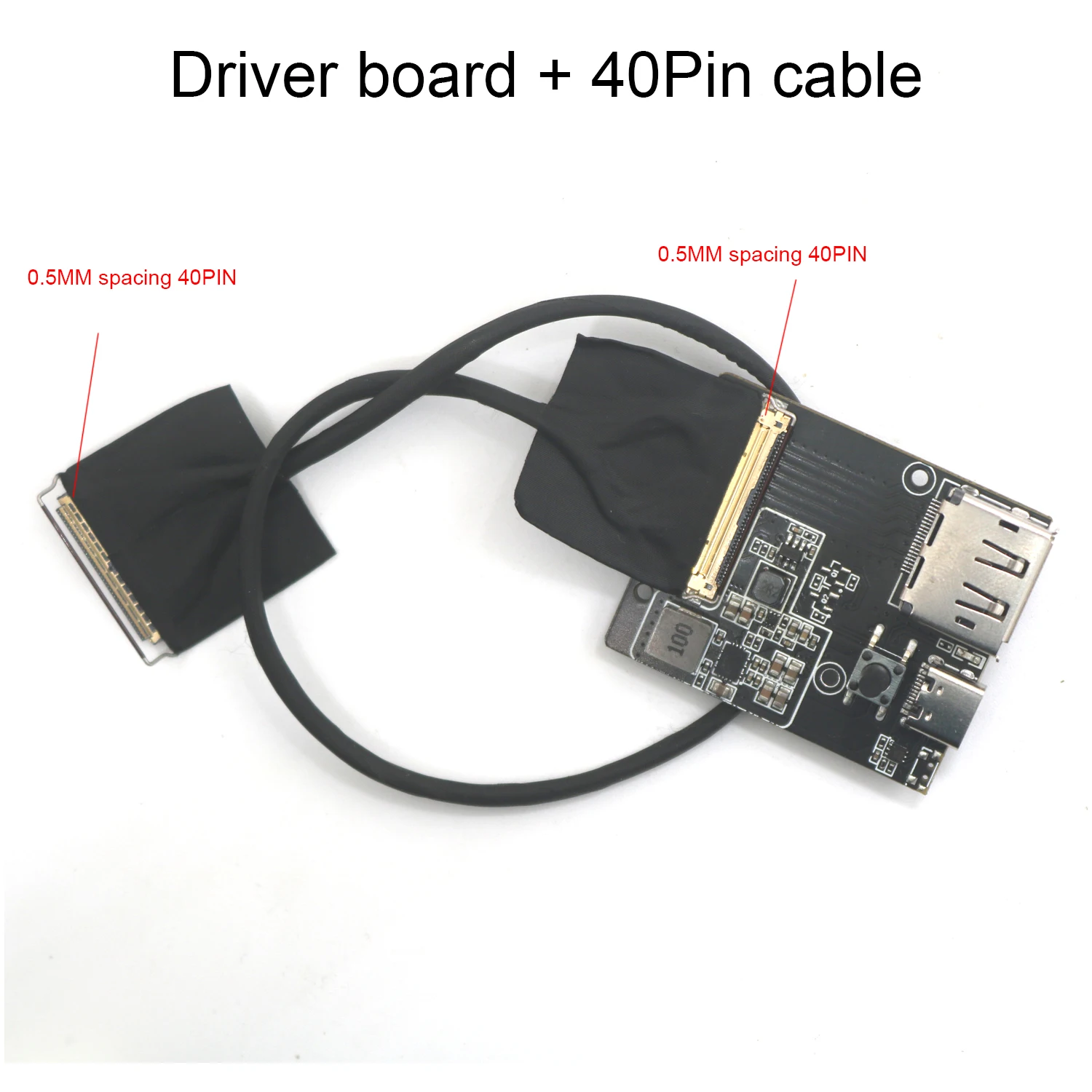
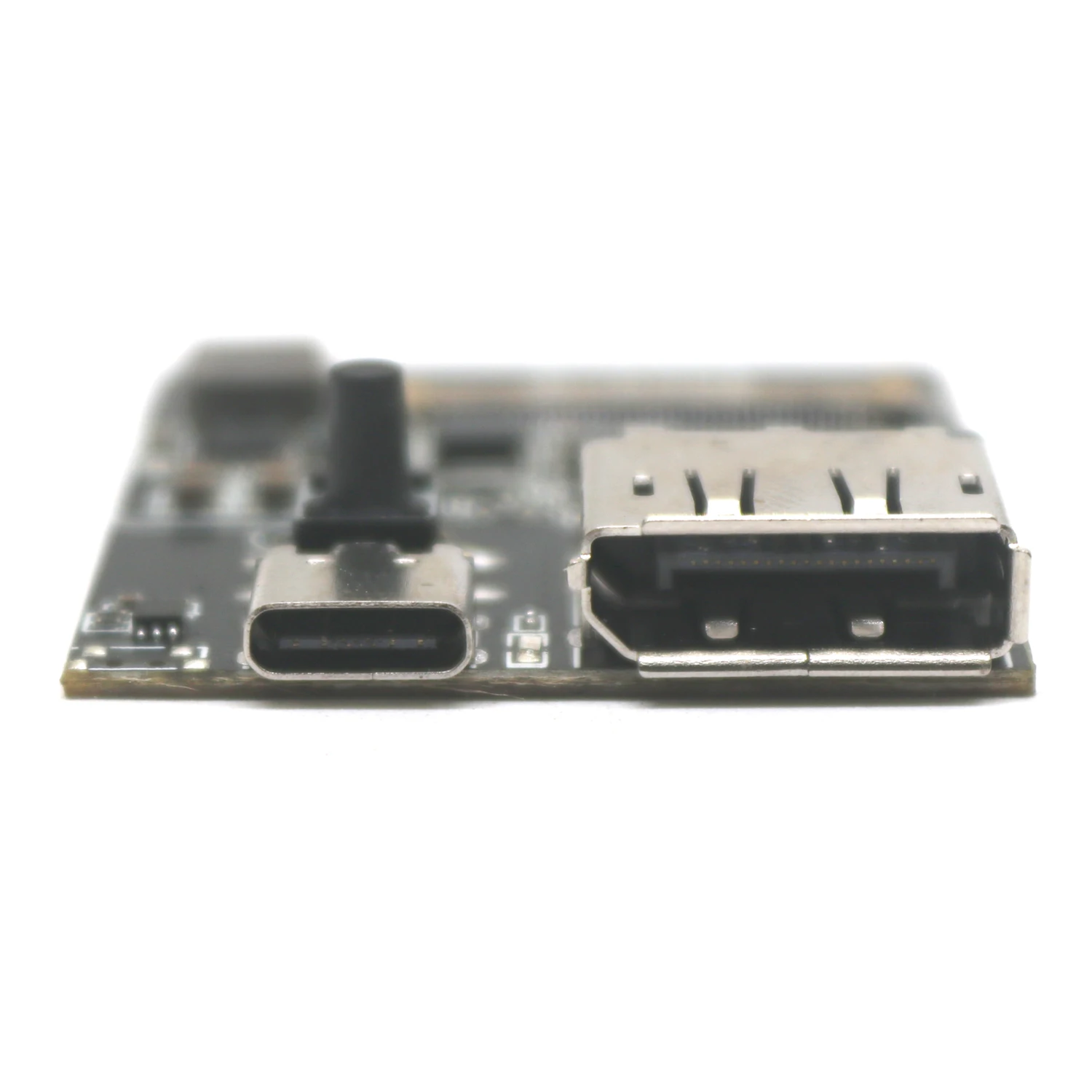
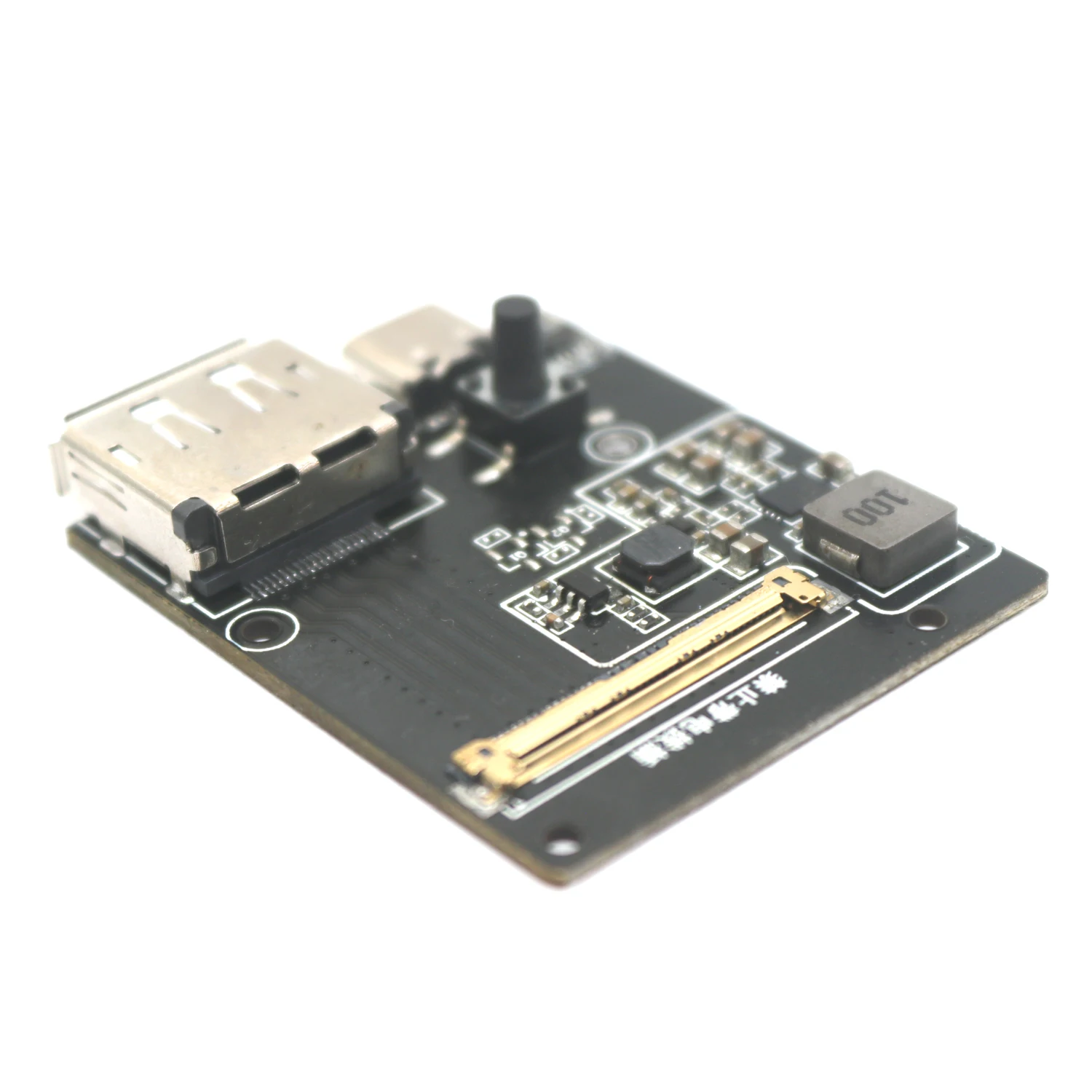
TYPE-C is a power input that supports the DP/QC protocol. DP is the signal input and EDP40 is the signal output. It can support screen line switching from 40P to 30P (30PIN is 2LAN, 40PIN is 4LAN), and can drive a 60W high-power backlight EDP screen. The backlight voltage is set to default 12V (resistance can be changed to 9V, 12V, 15V, 20V), and the driving logic voltage is 3.3V.
Button count: 50000 times.
Working temperature: -40-85 ℃
Dimming frequency is 20KHZ.
EDP30-2lan (requires a 40P to 30P adapter screen cable) has a resolution of 1920 * 1080, while EDP40-4lan supports resolutions of 1920 * 1080, 300HZ, 2560 * 1440, 240HZ, 3840 * 2160120HZ, and 5120 * 2880, 60HZ for downward compatibility.
N card compatible screen
B156ZAN05.1 (4k 120Hz); 1080p 300Hz screen
1080p 240Hz
Ne173qhm ny2
MNF601EA1-1
Ne156qhm_ Ny2
N156kme
Screen tested by card A, where x represents any number
LP139UD1-SPC2 (3840 * 2160 60Hz), N156KME-GNA (2K165Hz) B133ZANxx. x B156ZANxx. x NE156QUMxxx LQ156M1JWxx B156HANxx. x, NV156QUM-N72 LTN156FLxx MNG007DA1-1, B156HAN08.2/0, nuclear display LQ156D1JW02, NV156FHM-N4N/K desktop T1000+nv140drm n61
Desktop 3080+b156zan05.1
Desktop Rx580+ne156qhm ny1
Desktop 3050ti+NE160QDM-NY2
Xbox (hdmi to dp)+NE160QDM-NY2 (only supports native 2k)
Notebook 3070+n161hca ga1
Notebook 3070+Ne156qhm ny1
5300g+N156KME-GNA
5600g+N156KME-GNA
B156ZAN03.2
NV156FHM-NY0
N156hra ea1
Triple sensitivity adjustment capacitor
The C9 capacitor of PCBA serves as the sensitivity adjustment capacitor input port Users can adjust the sensitivity of all touch buttons by adjusting the capacitance value of the CAP port. It is recommended to choose the adjustment range from 102 to 103, and users should try to use polyester capacitors with an accuracy of 5% when using them. Increasing the capacitance will increase sensitivity and reduce anti-interference ability; On the contrary, reducing capacitance will reduce sensitivity and enhance anti-interference ability. (Using 1NF by default)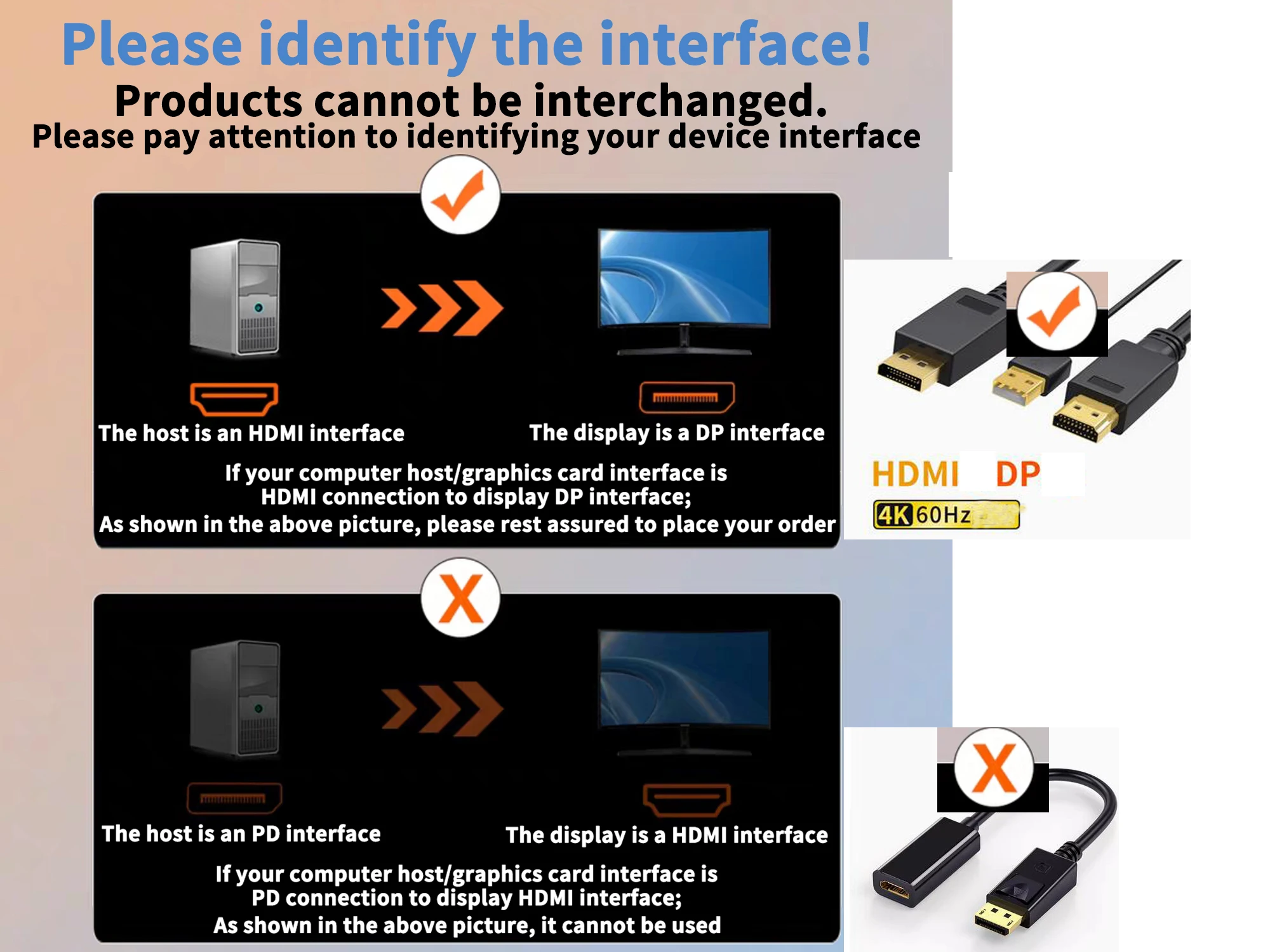


Why buy from Phone & Laptop Parts
- Fitment-checked, plug & play installation, no guesswork
- Free worldwide shipping on orders over $55.99
- 30-day easy returns · 12-month warranty
- Need help? support@mobilepcparts.site · WhatsApp +86 134-2894-7672