

2K 4K 30pin 40pin EDP Driver Board 2K 4K Video DP TO EDP Signal Projection Portable LCD Laptop Screen Monitor Secondary Displays


2K 4K 30pin 40pin EDP Driver Board 2K 4K Video DP TO EDP Signal Projection Portable LCD Laptop Screen Monitor Secondary Displays
30-pin/40-pin eDP Driver Board | 10-18" Portable Monitor Kit | 4K/120Hz Auto-Detection | Plug & Play
before purchasing : Please refer to the advertising wiring diagram and video . Please check the screen output parameters on the Internet .
the Driver Board is EDP signals output . not Support LVDS signals output screen
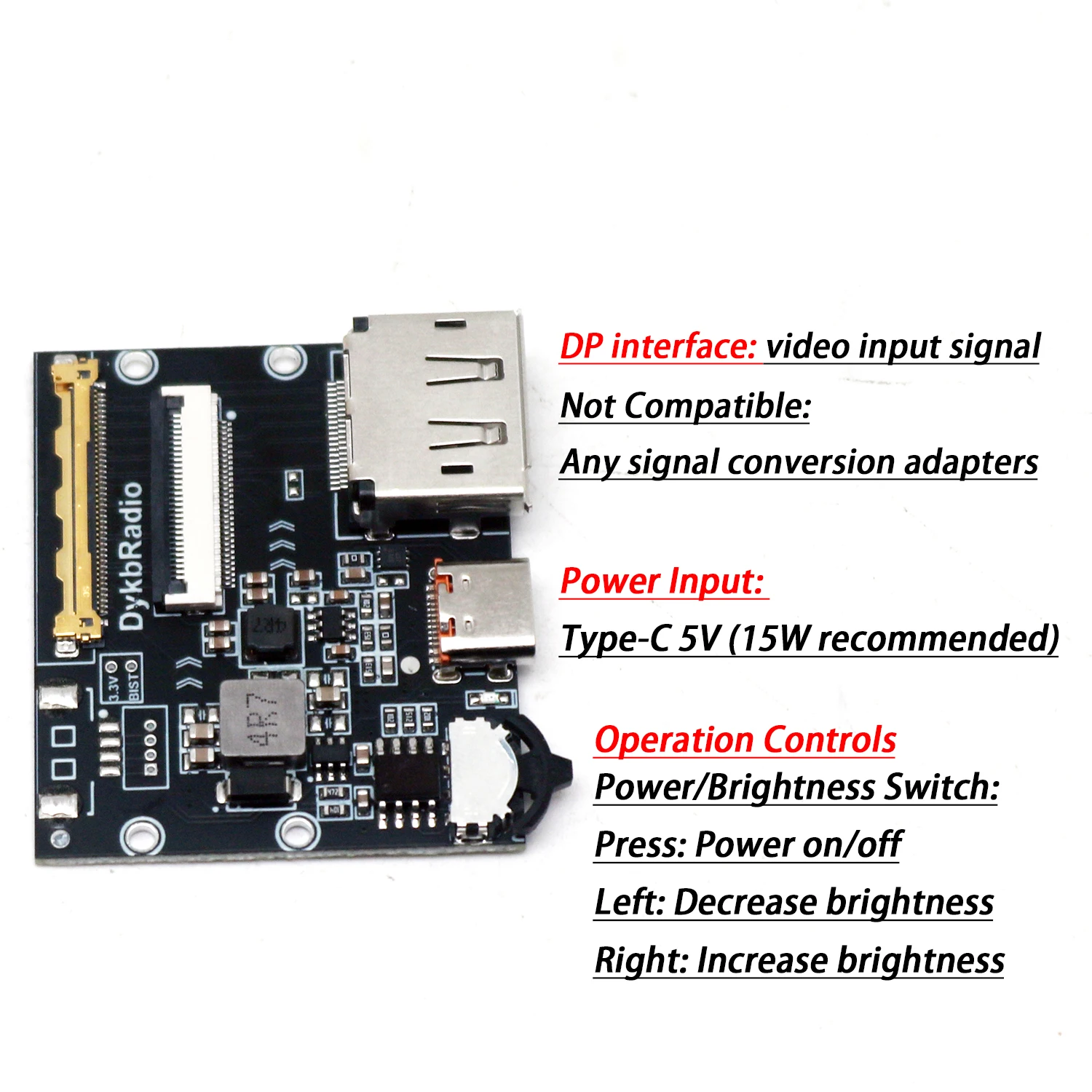
DP input need use dp to dp cable or hdmi to dp cable . Does not support converters or DP to HDMI
Video Input:
Must use native DP connection from computer GPU
Compatible: DP → MiniDP (same signal standard)
-
Not Compatible:
HDMI → DP converters
Type-C → DP converters
Any signal conversion adapters
Product Description
Professional eDP driver board for converting 10-18" laptop LCD panels into standalone monitors. Features automatic resolution/refresh rate
detection (up to 4K 120Hz), plug-and-play operation, and dual connector options. Perfect for DIY secondary displays, portable monitors, and
laptop screen repurposing projects.
Key Features
-
Dual Connector Options:
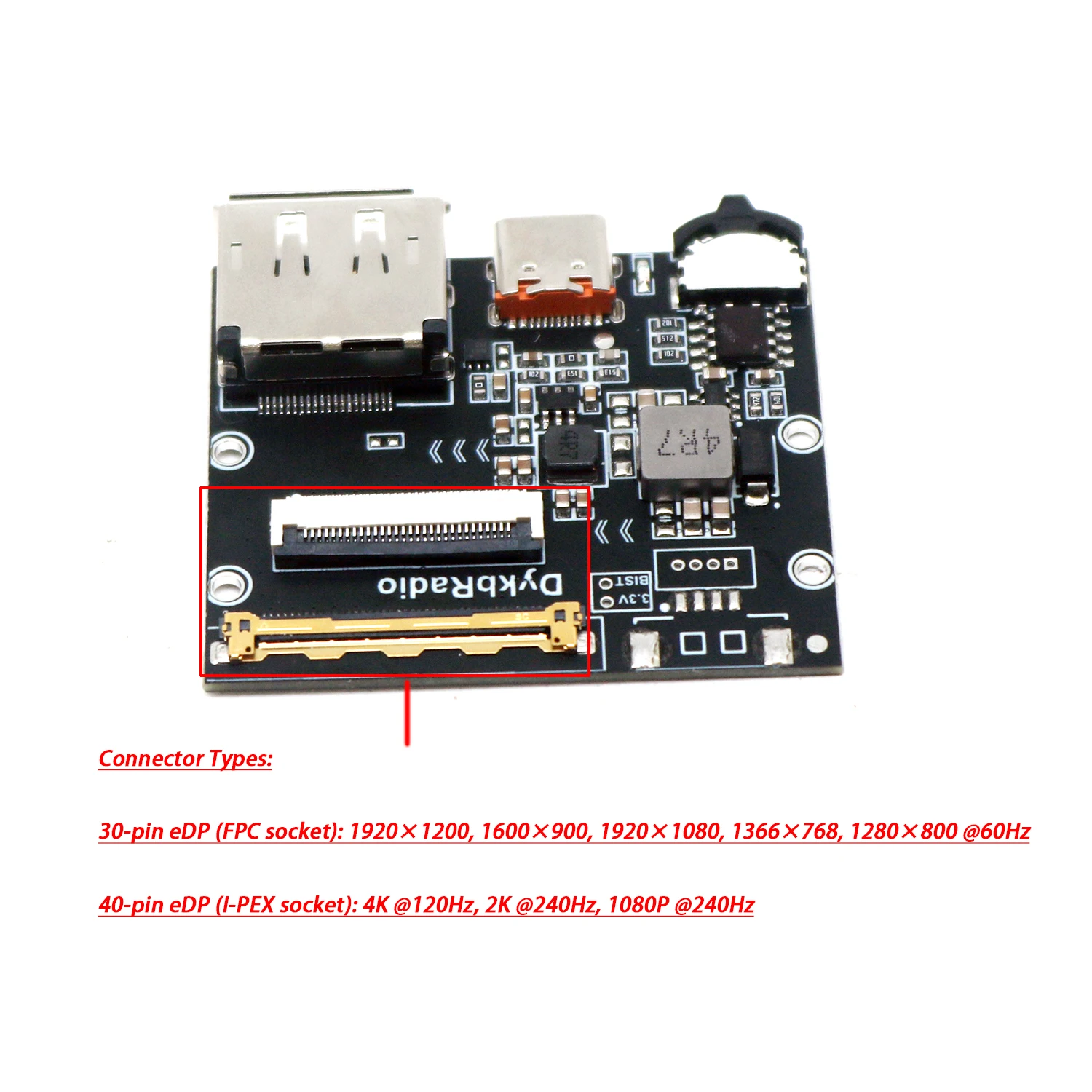
FPC Socket (0.5mm pitch): Supports up to 1920×1200 @60Hz
I-PEX Socket (0.5mm pitch): Supports 4K @120Hz, 2K @240Hz
Auto-Configuration: Detects screen resolution/refresh rate automatically
High Performance: 4K/120Hz, 2.5K/240Hz, 1080P/240Hz support
Plug & Play: No firmware flashing required
Power Memory: Retains brightness settings after power loss
Technical Specifications
Compatible Screens: 10-18" laptop LCD panels only
-
Connector Types:
30-pin eDP (FPC socket): 1920×1200, 1600×900, 1920×1080, 1366×768, 1280×800 @60Hz
40-pin eDP (I-PEX socket): 4K @120Hz, 2K @240Hz, 1080P @240Hz
Video Input: DisplayPort only (native connection required)
Power Input: Type-C 5V (15W+ recommended)
Maximum Support: 18" displays (40-pin output only)
⚠️ Critical Usage Warning
Dual Channel Restriction:
Two connector sockets provided for flexibility with multiple screens
USE ONLY ONE SOCKET AT A TIME
Simultaneous use will damage screen or board
Connection Requirements
Video Input:
Must use native DP connection from computer GPU
Compatible: DP → MiniDP (same signal standard)
-
Not Compatible:
HDMI → DP converters
Type-C → DP converters
Any signal conversion adapters
Power Input:
Type-C port for 5V power only (15W+ adapter recommended)
Cannot transmit video signals
Not a USB-C Alt Mode solution
Operation Controls
-
Power/Brightness Switch:
Press: Power on/off
Left: Decrease brightness
Right: Increase brightness
Settings Memory: Brightness level preserved after power interruption
Compatibility Checklist
✅ Must Have:
10-18" laptop LCD panel
eDP standard line order (30/40 pin)
Computer with native DP output
Proper eDP cable (shielded recommended for high resolution)
❌ Not Compatible:
TV panels, tablet screens, phone displays
Non-standard eDP line orders
Signal conversion adapters
Low-end graphics cards with limited resolution support
Troubleshooting Guide
No Display (Backlight On):
-
Graphics Card Limitation: Most common issue
Older cards may only support up to 1080P
Verify GPU supports your panel's native resolution
-
Connection Issues:
Avoid adapter cables
Use shielded eDP cables for 2K/4K panels
-
Cable Compatibility:
Original laptop cables often have different pinouts
Recommended: Use manufacturer's eDP cables
Package Includes
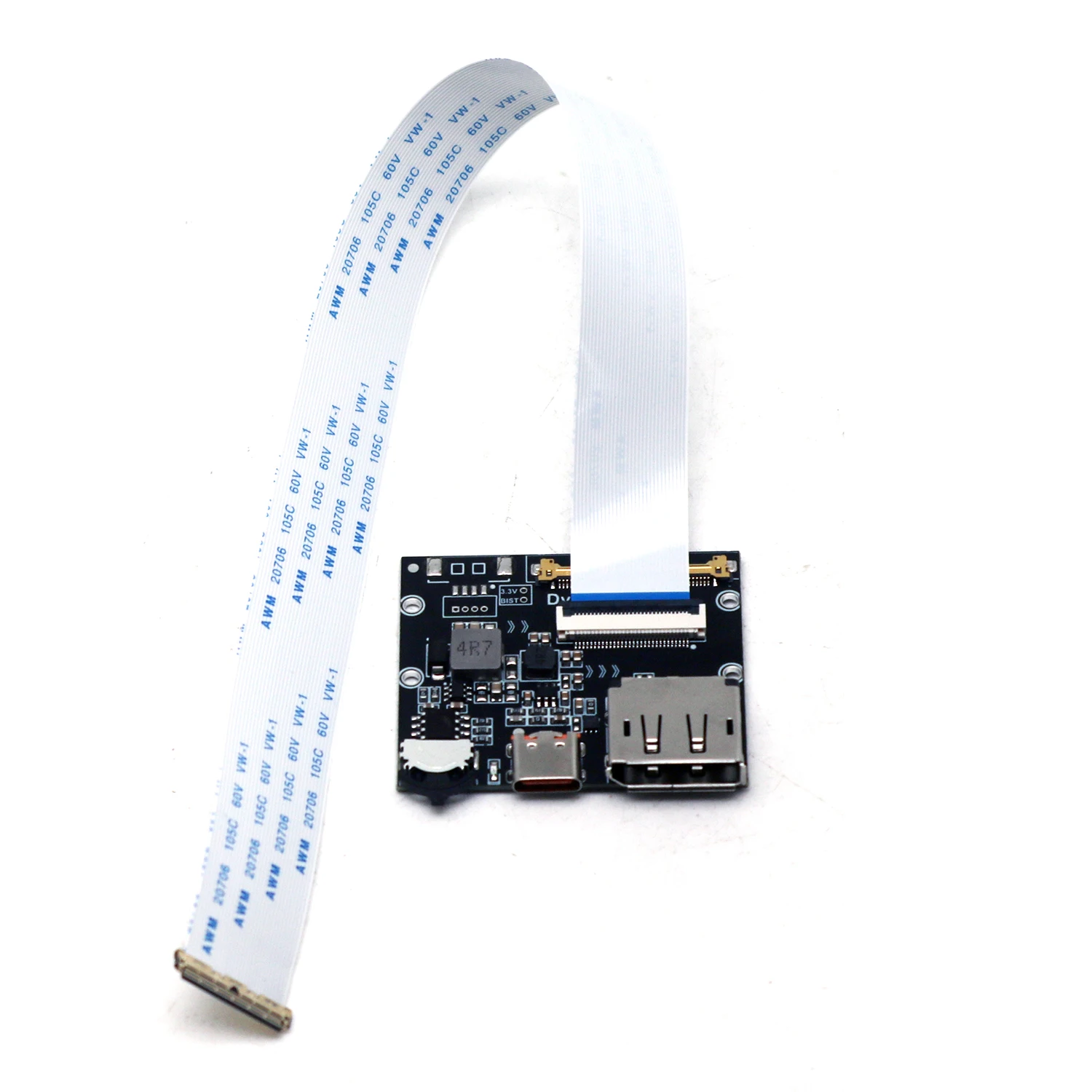
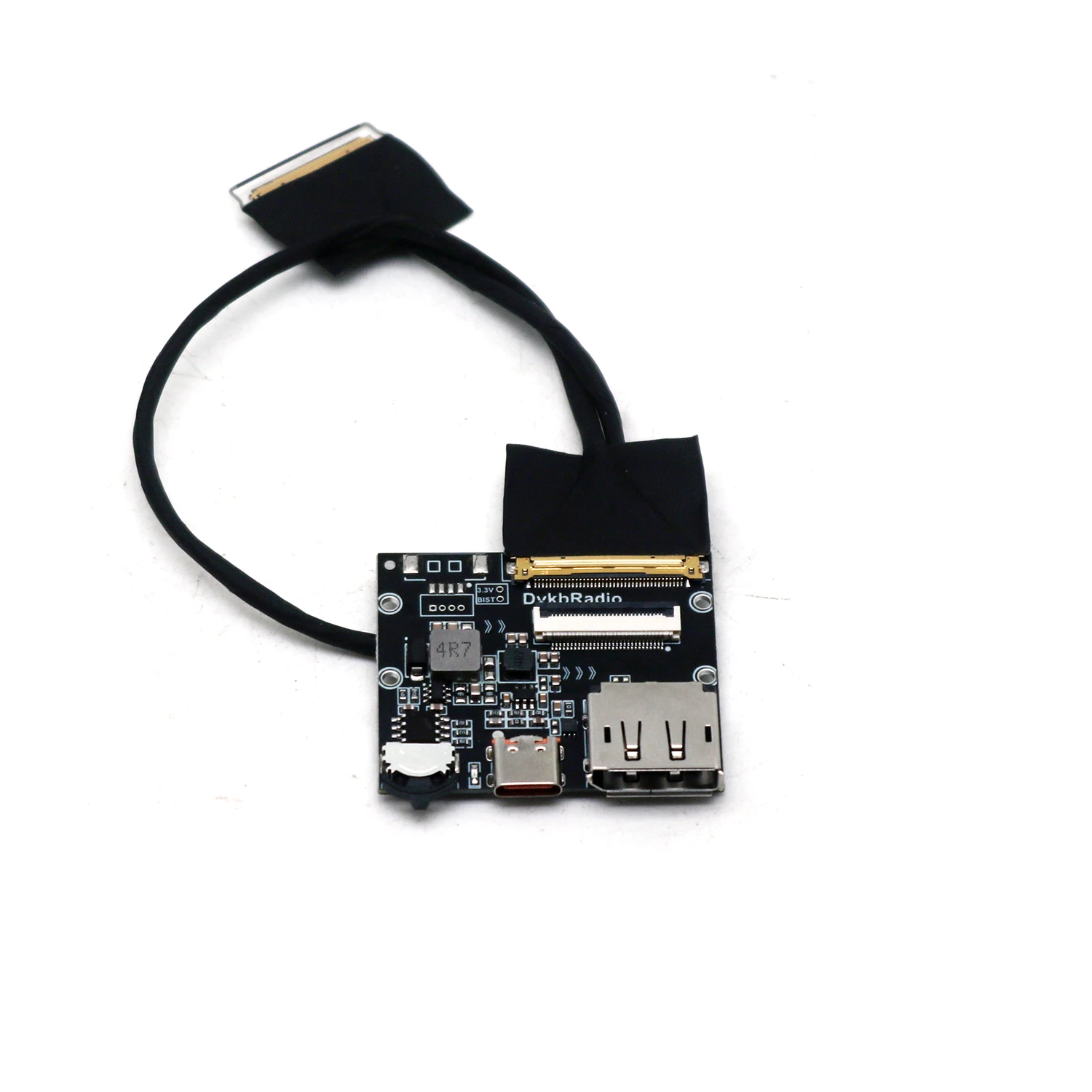
eDP driver board
Critical Notes
Verify screen model compatibility before purchase
High-resolution panels require capable graphics cards
Shielded cables essential for 2K/4K signal integrity


Why buy from Phone & Laptop Parts
- Fitment-checked, plug & play installation, no guesswork
- Free worldwide shipping on orders over $55.99
- 30-day easy returns · 12-month warranty
- Need help? support@mobilepcparts.site · WhatsApp +86 134-2894-7672